-1.png)
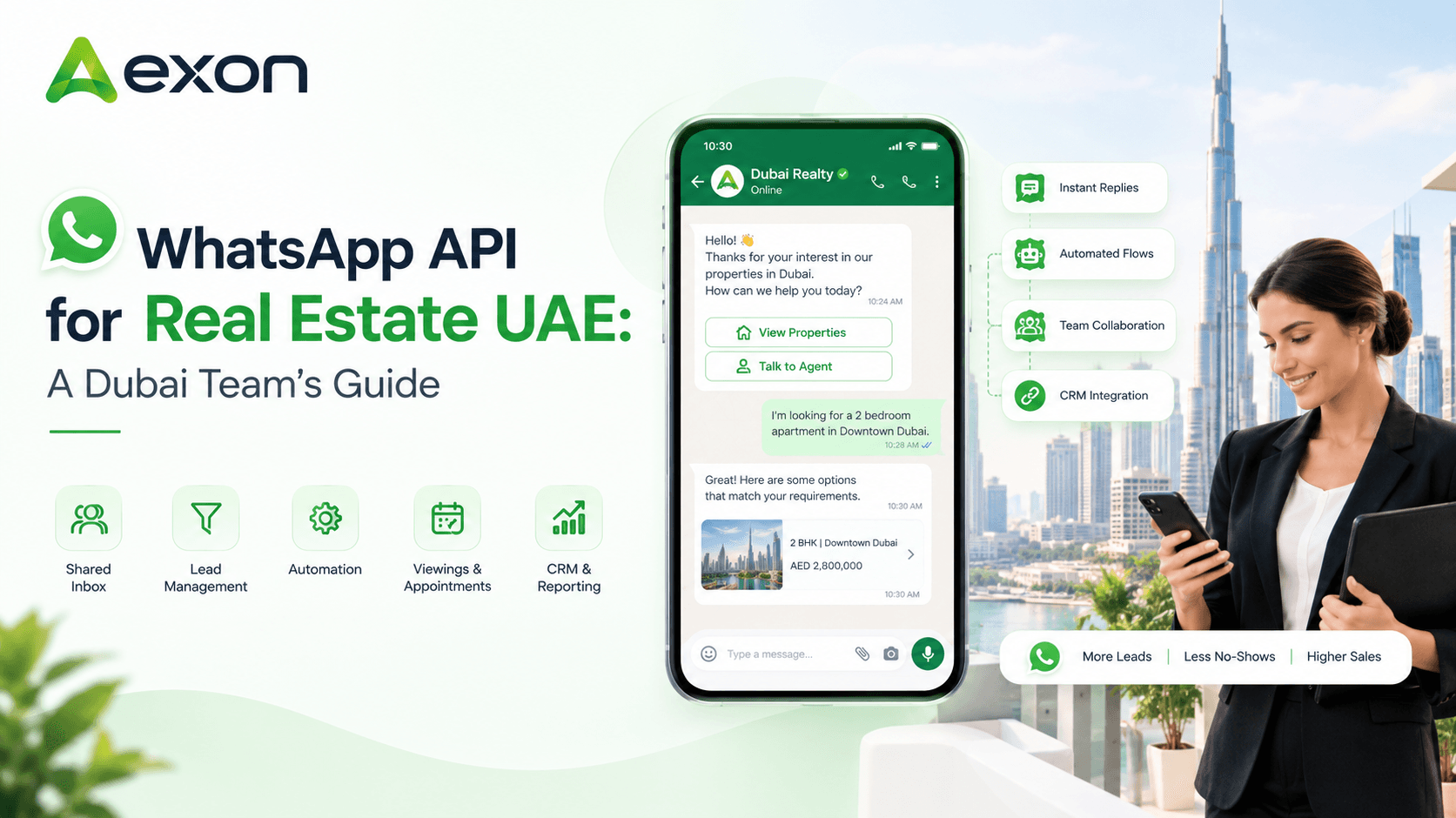
WhatsApp API for Real Estate UAE: A Dubai Team's Guide
Ask a buyer in Dubai how they'd like to hear from an agent and most won't say email. They'll say WhatsApp. It's where they already chat with family, friends and now, their property agent.
Most agencies start on the regular WhatsApp Business app, and for a small team that works fine for a while. Then enquiries grow, more agents join, and the cracks show. Chats sit on personal phones. Nobody's sure who replied. Follow-ups get forgotten.
That's the point where agencies start looking at the WhatsApp Business API. This guide explains what it is, what it changes for a UAE real estate team, and what to know before you start.
WhatsApp Business App vs WhatsApp API
Both let you talk to customers on WhatsApp. They're built for different sizes of work.
WhatsApp Business app | WhatsApp Business API | |
|---|---|---|
Built for | Small businesses, one phone | Teams handling many conversations |
Agents | Limited to a few linked devices | Many agents on one number through a connected platform |
Automation | Basic quick replies and greetings | Automated replies, workflows and chatbots |
CRM connection | Manual | Connects with CRM and lead systems |
Campaigns | Limited broadcasts | Template-based campaigns at scale |
Reporting | Basic | Detailed, through your platform |
Setup | Download and go | Needs a provider and Meta approval steps |
The API doesn't come with its own screen. You use it through a platform, like a WhatsApp CRM, that gives your team the inbox and tools.
What the API Lets a Dubai Property Team Do
Let several agents share one number
Your agency keeps one business number, and everyone works from a shared inbox. Managers see who's handling what, and chat history stays with the lead if an agent leaves.
Reply instantly, even after hours
Automated first replies acknowledge a new enquiry straight away and ask a few starter questions: buy or rent, budget, area, timeline.
Run AI chatbots
Chatbots can answer common questions around the clock, collect details and book viewings, then pass the chat to an agent when a human is needed.
Connect with your CRM
Chats link to lead records, so budget, property type and conversation history live in one place instead of scattered notes.
Send approved message templates
Viewing confirmations, reminders and updates can go out as pre-approved templates, so they're consistent and quick.
Run broadcasts and campaigns
Segment your contacts and reach the right people with new listings, event reminders or re-engagement messages.
Measure what's happening
Track delivery, response time, agent performance and where leads stop moving, so managers can fix problems early.
Where It Fits in the Property Journey
The API isn't only for the first reply. It can support the whole path from enquiry to deal.
Enquiry. A portal or website enquiry gets an instant acknowledgement and a quick question or two.
Qualification. Budget, location, property type and timeline are captured and saved to the lead.
Property sharing. Agents send matching listings, photos and details in the same thread.
Viewings. Slots are offered, confirmed and reminded, so fewer people forget to show up.
After the viewing. A follow-up checks how it went and keeps the conversation moving.
Re-engagement. Past enquiries who went quiet get a relevant nudge when something new fits.
Rules Worth Knowing Before You Start
The API comes with Meta's messaging policies, and following them keeps your account healthy. In plain terms:
- Get permission. Message people who've agreed to hear from you, such as someone who enquired or opted in.
- Templates need approval. Messages you start outside a live conversation go out as templates approved by Meta.
- Mind the reply window. After a customer messages you, you can reply freely for a limited time. Outside that window, templates are used. Your provider can explain the current rules.
- Keep quality up. Relevant, useful messages protect your account. Spammy ones don't.
- Check current charges. Meta charges for some message types, so ask your provider how this is handled.
Policies and pricing can change, so it's worth checking the latest details with your provider.
What You Need to Get Started
The basics are simpler than most teams expect.
You'll need a business that can be verified with Meta, a phone number set up for the API, and a provider that connects you to the WhatsApp Business Platform. Your provider usually helps with the setup steps, display name, message templates and approvals.
A good first move is to start small. Pick one lead source, such as portal enquiries, and one team. Once the first workflow runs well, add more.
How to Choose a WhatsApp API Provider
You don't connect to the API directly, so the provider you pick matters. Check these:
- Official Meta Tech Partner status
- Experience with real estate or lead-heavy teams
- A shared team inbox and CRM, not just message sending
- Automation that pauses when a customer replies
- Clear pricing, including message charges and add-ons
- Help with onboarding, templates and approvals
- Reporting on response time and agent performance
- Security and data-handling standards
A provider that gets these right usually saves you time on setup and trouble later.
Where Aexon Fits
Aexon is an Official Meta Tech Partner that gives UAE real estate teams the WhatsApp Business API together with the tools to use it: a shared team inbox, CRM, lead routing, automated follow-ups, AI chatbots, broadcasts, viewing management and reporting.
Instead of stitching several tools together, your team works from one workflow, from the first enquiry to the viewing. The Aexon team also helps with onboarding, templates and approvals.
Ready to Try It?
For a UAE real estate team, the WhatsApp API turns WhatsApp from a busy phone into a proper sales channel, with shared ownership, automation and clear reporting.
To see how it could work for your agency, contact Aexon Systems at business@aexon.app or on WhatsApp at +91 81601 08049.
It's the official WhatsApp Business API, used through a platform, that lets property teams handle many conversations, automate replies and connect chats with their CRM.
The app suits small teams on a few devices. The API supports many agents on one number, automation, CRM connection and campaigns.
It's designed around Meta's security and policy standards, and an official partner can help with a proper setup.
Yes. Chatbots can answer FAQs, collect details and book viewings, then hand over to an agent.
You need a provider to connect to the API. An official partner can make onboarding, templates and approvals easier.
Yes. It can connect with CRM platforms so chats and lead details stay together.