-1.png)
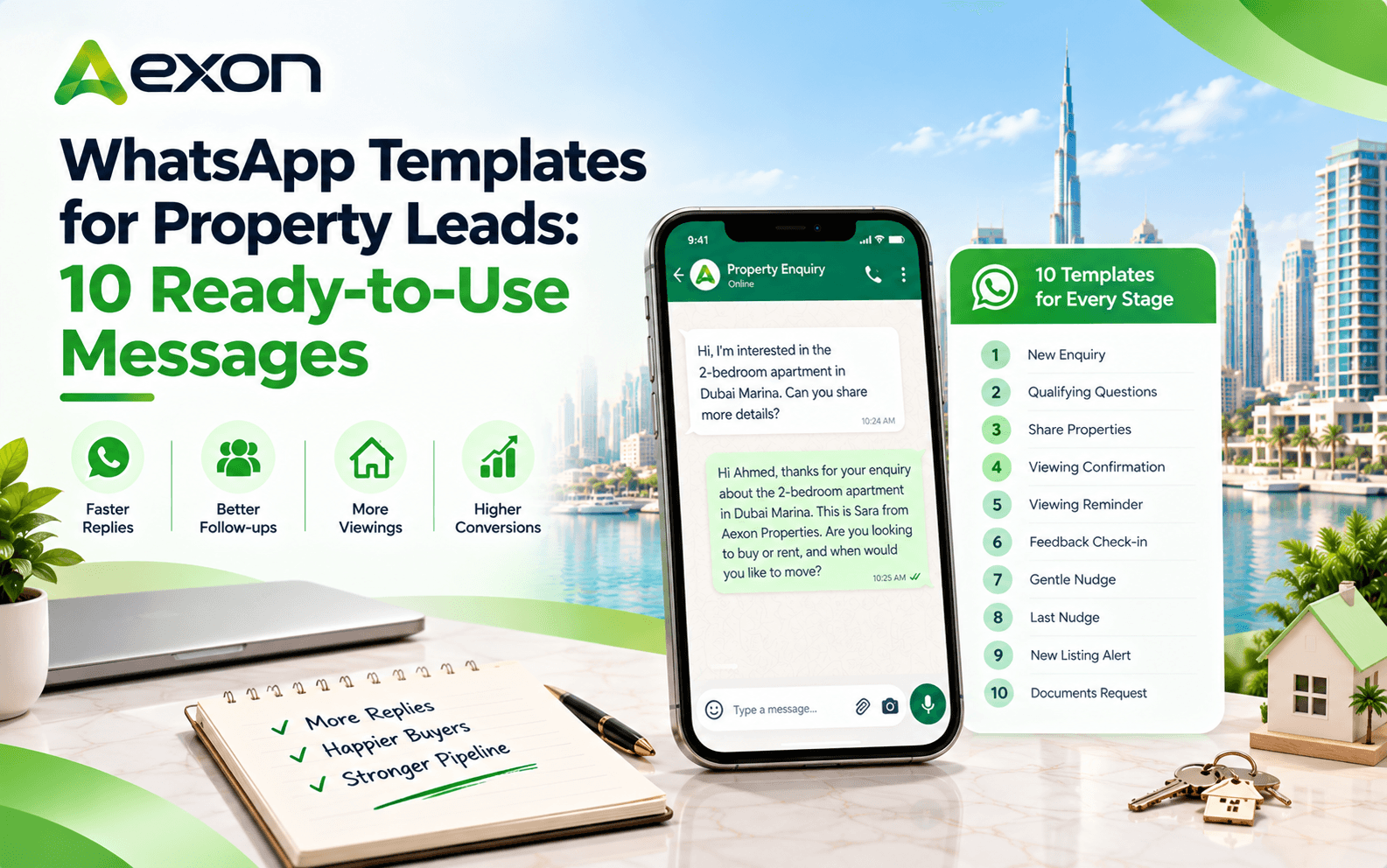
WhatsApp Templates for Property Leads: 10 Ready-to-Use Messages
12 Oct 2026 · @Aexon
Every agent knows the feeling. A buyer was keen on Monday, went quiet on Wednesday, and by Friday you can't remember if you ever followed up.
The lead isn't lost because the agent was lazy. It's lost because writing a fresh, polite, well-timed message for every single person, every single time, is hard work. Most days, it simply doesn't happen.
That's where good templates help. They give your team a solid starting message for each stage, so follow-up stays quick and consistent. Below are ten real estate follow up message templates you can adapt for WhatsApp, plus a few tips on using them well.
Before You Copy and Paste
A few quick notes make these templates work better.
Sample details. The names, places and times in these templates are examples. In your own messages, each one fills in automatically from the customer's lead record, so "Ahmed" becomes the actual customer's first name. Your provider sets this up when the template is submitted to Meta.
Approval. On the WhatsApp Business API, messages you send outside a live conversation go out as templates approved by Meta. Your provider submits them, and approval isn't guaranteed, so keep the wording clear and relevant.
Permission. Only message people who've enquired or agreed to hear from you.
Language. Consider an Arabic version for Arabic-speaking buyers. A message in someone's own language tends to feel more personal.
Policies change, so check the latest rules with your provider before you submit.
Which Template to Use, and When
Stage | Template | Suggested timing |
|---|---|---|
New enquiry | 1. Instant acknowledgement | Straight away |
Qualifying | 2. Budget and area | Right after they reply |
Matching | 3. Share properties | Once you know their needs |
Viewing booked | 4. Confirmation | Same day it's booked |
Before viewing | 5. Reminder | The day before |
After viewing | 6. Feedback check-in | Same day or next morning |
Gone quiet | 7. Gentle nudge | After a couple of days |
Still quiet | 8. Last nudge | About a week later |
Old enquiry | 9. New listing alert | When a good match appears |
Moving forward | 10. Documents request | When the buyer is ready |
Timing is a guide, not a rule. Adjust it to how your buyers behave.
Templates 1 to 5: From First Reply to Viewing
1. Instant acknowledgement
Hi Ahmed, thanks for your enquiry about the 2-bedroom apartment in Dubai Marina. This is Sara from Skyline Properties. Are you looking to buy or rent, and when would you like to move?
Use it the moment an enquiry arrives. It shows you're responsive and starts the qualifying conversation.
2. Budget and area
Thanks, Ahmed! To find the right options for you, could you share your budget range and the areas you prefer?
Short and easy to answer. Two details are enough to start narrowing down.
3. Share matching properties
Hi Ahmed, based on what you told us, here are 3 properties that match: Marina Heights, Marina View and Marina Crest. Would you like to see any of them in person?
End with a clear next step, so the buyer knows what to do.
4. Viewing confirmation
Hi Ahmed, your viewing for the 2-bedroom apartment in Dubai Marina is confirmed for Saturday, 17 October at 11:00 AM. Your agent Sara will meet you there. Reply here if you need to change the time.
Include the date, time, place and who they'll meet. Fewer questions later.
5. Viewing reminder
Hi Ahmed, a quick reminder that your viewing at the 2-bedroom apartment in Dubai Marina is tomorrow at 11:00 AM. See you there! Reply here if plans change.
Templates 6 to 10: After the Viewing and Beyond
6. Feedback check-in
Hi Ahmed, thanks for visiting the Dubai Marina apartment today. What did you think? Happy to answer any questions or arrange another viewing.
Open-ended, friendly, and it invites a real reply.
7. Gentle nudge
Hi Ahmed, just checking in on your search for a property in Dubai Marina. Still interested? I can send updated options whenever you're ready.
Soft and low-pressure. Good for leads who went quiet after a few days.
8. Last nudge
Hi Ahmed, I don't want to fill your inbox, so this is my last message for now. If you'd like to continue, just reply and we'll pick up where we left off.
Respectful, and it often gets a response because it takes the pressure off.
9. New listing alert
Hi Ahmed, a new 2-bedroom apartment in Dubai Marina just came up that fits what you asked about earlier. Would you like me to send the details?
Best for past enquiries. Only send it when the match is genuine.
10. Documents request
Hi Ahmed, to move ahead with the Dubai Marina apartment, please share a copy of your Emirates ID and passport. Let me know if you have any questions about the process.
Keep it specific. Say exactly which documents you need.
Tips for Messages That Get Replies
- Use the person's name. It's a small touch that changes how a message feels.
- Keep it short. Most people read WhatsApp on the go.
- Ask one question at a time. A single, easy question gets answered faster than three.
- End with a next step. A viewing, a reply, a call.
- Sound like a person. Write the way you'd speak to the buyer.
- Mention the property. Specific beats generic every time.
- Test and adjust. Check which wording gets replies and tweak the rest.
Mistakes That Get Messages Ignored
A few habits turn good templates into noise.
Sending the same message to everyone, regardless of what they asked about. Following up too often, too soon. Writing long blocks of text instead of a couple of clear lines. Pushing for a viewing before you know the buyer's budget. And continuing to send automated messages after the customer has already replied.
That last one matters most. When a buyer answers, the conversation should move to a person straight away, and any scheduled follow-up should stop.
Where Aexon Fits
Templates work best when they're sent at the right moment without anyone having to remember. Aexon helps UAE real estate teams do exactly that.
As an Official Meta Tech Partner, the team helps you create templates and get them submitted for approval. Then you can automate the sequence: instant acknowledgement, qualifying questions, viewing confirmation and reminders, and follow-ups that pause when the customer replies. Every conversation sits in a shared team inbox, linked to the lead record, so the next agent always has the full picture.
Put These Templates to Work
Good follow-up isn't about clever wording. It's about being quick, clear and consistent with every lead. Start with the templates above, adapt them to your voice and let automation handle the timing.
To see how Aexon can run these for your agency, contact Aexon Systems at business@aexon.app or on WhatsApp at +91 81601 08049.
Ready-made messages for each stage of a property lead, from the first reply to viewing reminders and re-engagement, that your team can adapt and reuse.
On the WhatsApp Business API, messages sent outside a live conversation go out as templates approved by Meta. Your provider usually submits them for you.
There's no fixed rule. A common pattern is a quick reply, a nudge after a couple of days and a final message about a week later. Adjust to your buyers.
Yes. Many teams create Arabic versions for Arabic-speaking buyers. Each language version is submitted as its own template.
Yes. With a WhatsApp CRM, templates can be triggered by lead stage or time, and paused when the customer replies.